
Why a Dual Monitor Wall Mount Improves Workspace Efficiency
If your desk feels crowded, your monitors are likely part of the problem. Two screens can boost productivity—but without the right setup, they can also create clutter, poor posture, and constant adjustments throughout your day.
A dual monitor wall mount offers a cleaner, more efficient solution. By moving your screens off the desk and onto the wall, you instantly free up space while creating a more ergonomic viewing experience.
Whether you’re working in an office, managing operations, or building a home workspace, understanding how a wall-mounted dual monitor setup works can help you create a more comfortable and productive environment.
What Is a Dual Monitor Wall Mount and Why Is It Useful?
A dual monitor wall mount is a mounting system that holds two monitors on a wall, often in horizontal or vertical alignment.
Instead of placing monitors on a desk stand, this setup elevates them into a fixed or adjustable wall-mounted position. This not only saves desk space but also improves screen alignment, helping reduce strain on your neck and eyes.
For optimized vertical setups, solutions like this dual monitor vertical wall mount provide flexibility while maintaining a clean and organized workspace.
What Are the Benefits of Using a Dual Monitor Wall Mount?
How Does It Improve Workspace Organization?
A dual monitor wall mount improves organization by eliminating bulky stands and freeing up desk space.
When your monitors are mounted on the wall, your desk becomes less cluttered and more functional. This allows you to focus on your tasks without distractions while maintaining a cleaner, more professional setup.
For businesses and professionals, this simple upgrade can significantly improve daily workflow.
Does a Vertical Setup Improve Productivity?
Yes, a vertical dual monitor setup can improve productivity by making it easier to view long documents and multitask efficiently.
Stacked monitors are especially useful for reading, coding, or monitoring multiple streams of information. Instead of shifting your gaze side to side, you can move naturally between top and bottom screens.
This setup is ideal for professionals who need continuous visibility without constant switching.
Is a Dual Monitor Wall Mount Ergonomic?
Yes, it improves ergonomics by positioning screens at optimal viewing height and angle.
When monitors are aligned properly, you reduce strain on your neck, shoulders, and eyes. Wall mounts allow for better positioning compared to fixed desk stands, helping you maintain a more natural posture throughout the day.
Pairing this setup with ergonomic solutions like monitor arms or a standing desk can further enhance comfort.
How Do You Choose the Right Dual Monitor Wall Mount?
What Features Should You Look For?
Key features include adjustability, weight capacity, compatibility, and build quality.
A good wall mount should securely hold your monitors while allowing adjustments for height and angle. It should also be compatible with your monitor size and mounting standards. These features ensure both safety and usability.
If you’re exploring options, browsing the Ergoville homepage can help you compare different solutions.
What’s the Difference Between Vertical and Horizontal Mounts?
Vertical mounts stack monitors on top of each other, while horizontal mounts place them side by side.
Vertical setups are ideal for reading and monitoring tasks, while horizontal layouts are better for multitasking across multiple applications. Choosing the right configuration depends on how you use your screens daily.
Understanding your workflow is key to selecting the best setup.
Who Should Use a Dual Monitor Wall Mount?
Anyone looking to improve workspace efficiency, ergonomics, and organization can benefit from this setup.
This includes office professionals, developers, designers, healthcare workers, and remote employees. If your work involves multitasking or extended screen time, a wall-mounted solution can significantly improve comfort and productivity.
For personalized recommendations, you can reach out through the Ergoville contact page.
What Does a Dual Monitor Wall Mount Look Like in Real Use?
What Are Common Real-World Applications?
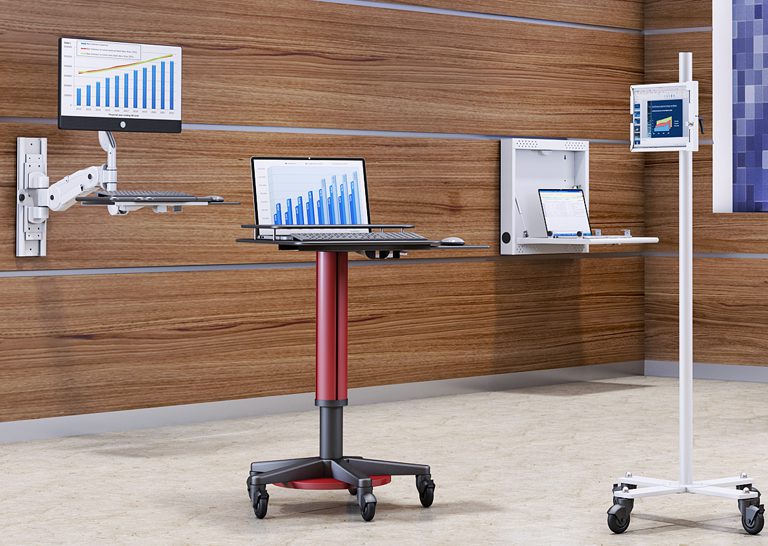
Common applications include offices, healthcare environments, control rooms, and home workspaces.
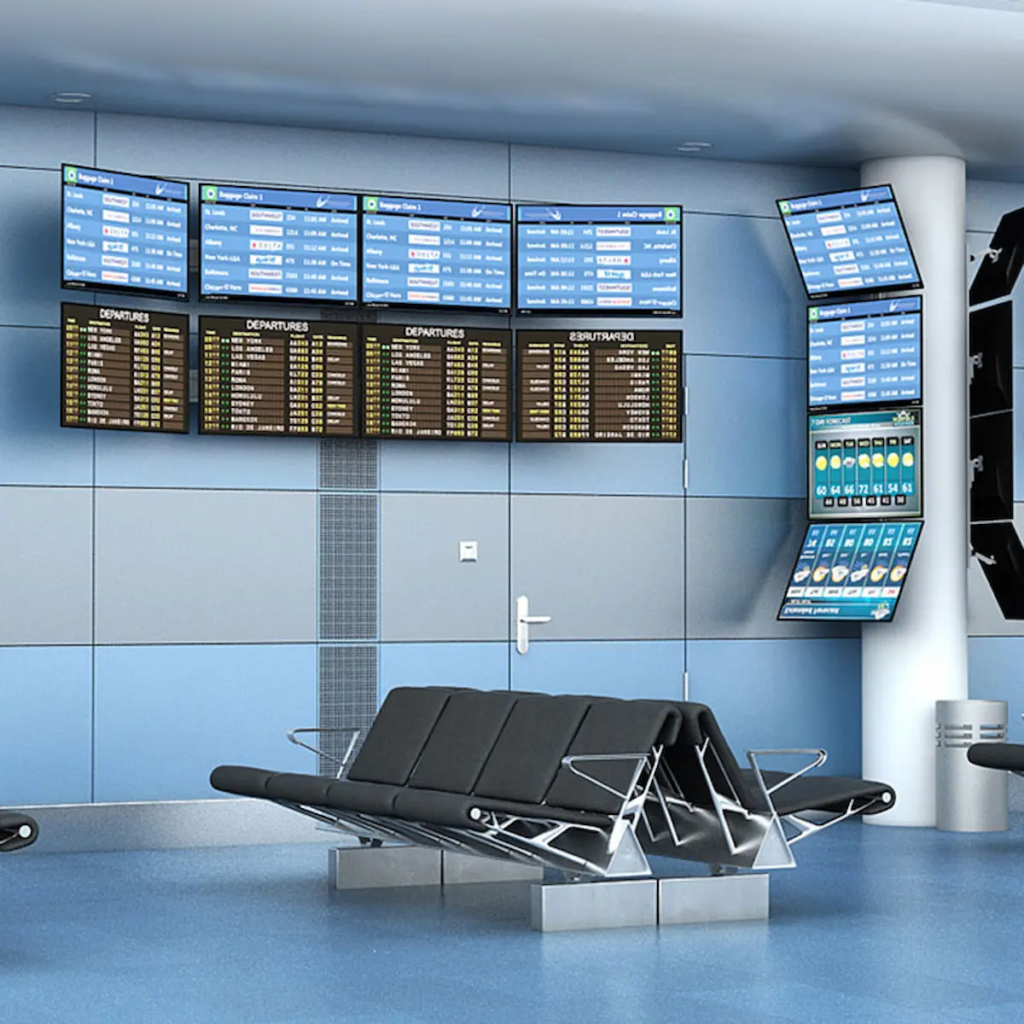
In offices, they create clean and efficient setups. In healthcare, they improve accessibility and reduce clutter. In control rooms, they support continuous monitoring. At home, they help maximize limited space.
These use cases highlight the versatility of wall-mounted monitor systems.
What Problems Can It Solve Immediately?
A dual monitor wall mount solves clutter, improves posture, and enhances workflow efficiency.
If your desk feels overcrowded or your monitors are poorly positioned, switching to a wall mount provides an immediate improvement. It creates a more organized and comfortable workspace, allowing you to focus on what matters most.
Frequently Asked Questions
What is a dual monitor wall mount?
It is a mounting system designed to hold two monitors on a wall for better space and ergonomics.
Is a vertical monitor setup better?
It depends on your workflow, but vertical setups are ideal for reading and monitoring tasks.
Can I install a wall mount myself?
Some mounts allow DIY installation, but professional installation is recommended for safety.
Will a wall mount damage my wall?
Proper installation ensures minimal impact and long-term stability.