Uncategorized

Why Radiology Reading Stations Are Evolving for the AI-Assisted Imaging Era

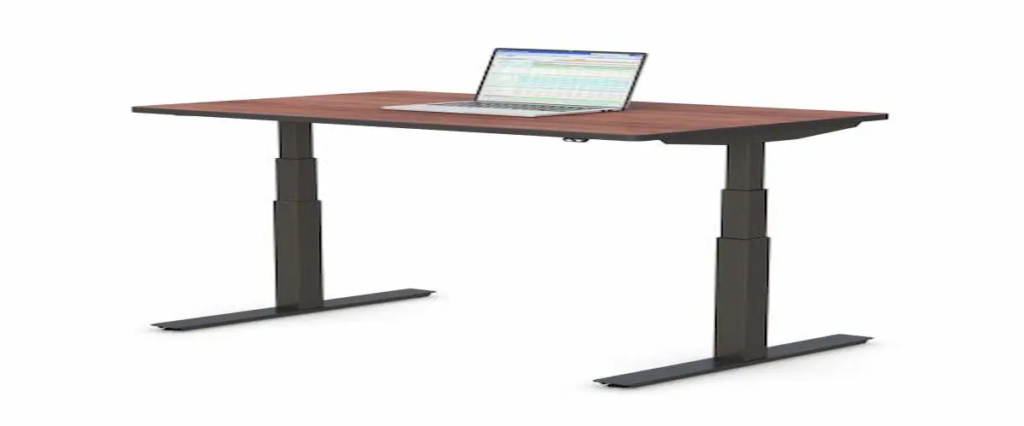
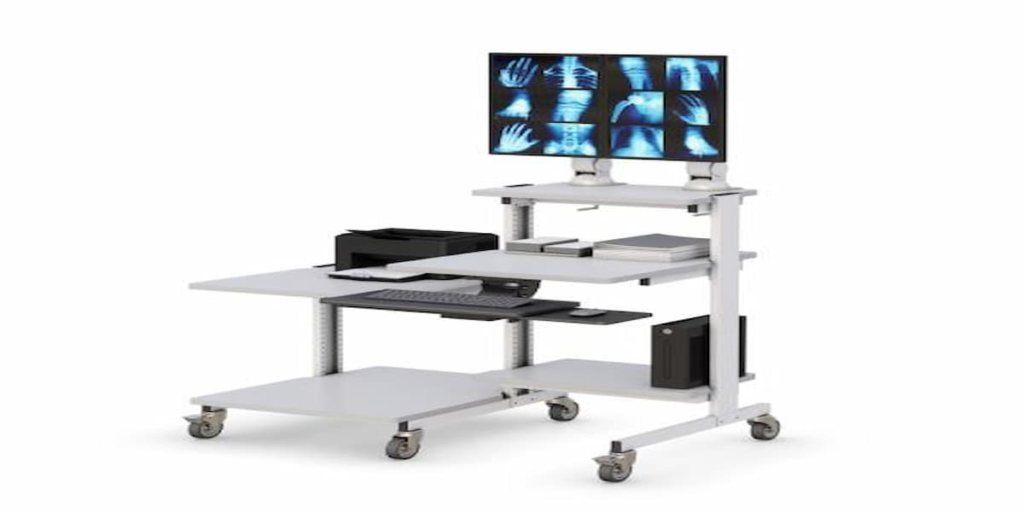
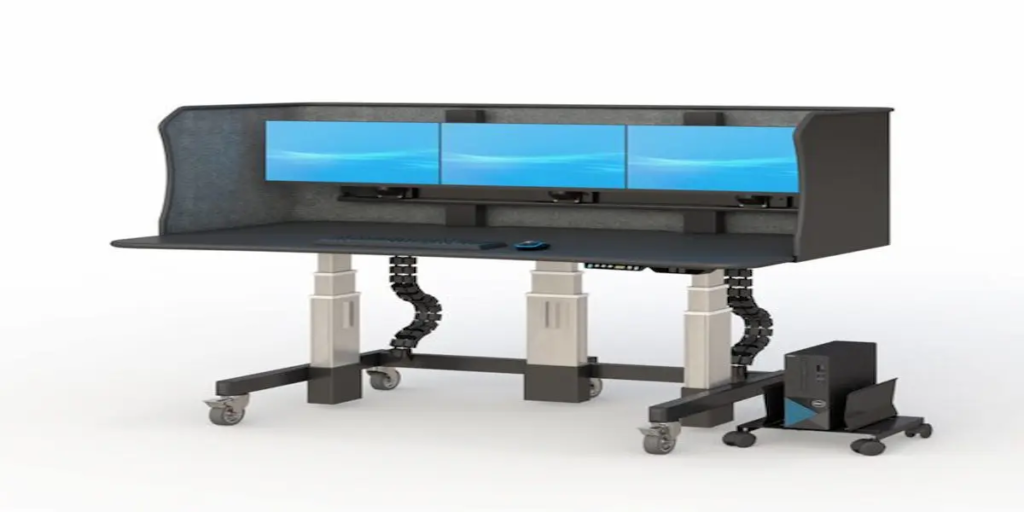
Why Radiology Reading Stations Are Evolving for the AI-Assisted Imaging Era   The radiology profession is undergoing one of the most significant transformations in healthcare. Imaging volumes continue to increase, artificial intelligence tools are becoming more common in diagnostic workflows, and healthcare organizations are increasingly adopting hybrid reading models that allow radiologists to work across hospitals, imaging centers, and home offices. While advances in imaging technology often receive the most attention, workstation design has emerged as a critical factor in diagnostic efficiency, radiologist wellbeing, and workflow optimization. Today’s radiologists rely heavily on PACS (Picture Archiving and Communication Systems), AI-assisted image analysis tools, and multi-monitor environments to interpret large volumes of studies with accuracy and consistency. A modern radiology reading station is no longer just a desk with monitors. It has become a specialized environment designed to support concentration, reduce physical fatigue, and improve workflow performance throughout long reading sessions. Organizations are increasingly investing in solutions such as office standing desks, ergonomic monitor arms, and custom workstation designs through the desk configurator to create reading environments that support both current and future imaging workflows. As tele-radiology, AI-assisted diagnostics, and hybrid healthcare models continue expanding, workstation design is becoming an essential part of delivering efficient and sustainable diagnostic imaging services. How Does Workstation Design Affect Reading Performance? Radiologists often spend hours reviewing diagnostic studies with intense focus. Whether interpreting CT scans, MRI studies, mammography images, or X-rays, maintaining concentration over extended periods is critical. Unfortunately, poorly designed workstations can create unnecessary challenges that affect daily performance. Common workstation-related issues include: Improper monitor positioning Neck and shoulder discomfort Eye strain Cluttered workspaces Reduced workflow efficiency Frequent posture adjustments A properly designed radiologist workstation helps minimize these distractions by creating an environment where technology supports the user rather than becoming an obstacle. Ergonomic monitor placement, organized workspace layouts, and height-adjustable work surfaces help radiologists maintain comfortable working positions throughout lengthy reading sessions. Many healthcare organizations improve workstation flexibility further by incorporating monitor arms and ergonomic CPU holders that optimize equipment placement while maximizing available workspace. Small improvements in workstation design can significantly enhance comfort and support more sustainable imaging workflows over time. How Are AI and PACS Systems Changing Reading Rooms? Artificial intelligence is rapidly becoming a valuable tool in diagnostic imaging. Modern AI platforms can assist with study prioritization, anomaly detection, workflow management, and case triage. At the same time, PACS systems continue evolving to provide faster access to imaging studies, reporting tools, and collaborative review environments. These technological advances have increased the importance of workstation design. Today’s radiologists often interact simultaneously with: PACS software Reporting systems Electronic Health Records (EHR) AI-assisted imaging tools Clinical communication platforms Multi-monitor diagnostic displays A modern radiology reading station must support these complex workflows without creating additional physical or cognitive strain. Healthcare facilities increasingly invest in workstation environments that allow radiologists to move seamlessly between systems while maintaining productivity throughout the workday. Many organizations also integrate solutions such as wall mounts and specialized accessories to create cleaner and more organized reading environments. As imaging technology continues advancing, workstation infrastructure must evolve alongside it. What Features Matter Most in a Radiology Reading Station? Choosing a radiology workstation involves more than selecting a desk. The workstation must support diagnostic workflows, accommodate specialized equipment, and remain adaptable as technology changes. Several features consistently provide the greatest value. Height Adjustability Height-adjustable workstations allow radiologists to alternate between sitting and standing positions throughout the day, helping reduce physical strain during extended reading sessions. Solutions such as office standing desks are increasingly popular because they support healthier work habits while maintaining productivity. Multi-Monitor Support Diagnostic imaging often requires multiple displays for reviewing studies, reports, and clinical information simultaneously. A workstation should provide stable support for multi-monitor configurations without compromising accessibility or workspace organization. Workspace Organization Clutter can disrupt workflow efficiency and reduce available working space. Proper cable management, monitor positioning, and equipment placement help create a cleaner and more functional reading environment. Equipment Integration Modern radiology environments often require support for computers, displays, peripherals, and future technology upgrades. Solutions such as CPU holders and ergonomic monitor arms help maximize flexibility while maintaining workstation organization. Why Are Cardiology Reading Desks Facing Similar Challenges? While radiology and cardiology involve different specialties, both disciplines share many workstation requirements. Cardiologists frequently review: Echocardiograms Cardiac CT studies Nuclear imaging results Cardiac MRI examinations Diagnostic reports These activities often require prolonged screen time and intensive visual analysis. As a result, cardiology reading desks face many of the same challenges as radiology workstations: Reading fatigue Monitor positioning concerns Workspace organization issues Workflow interruptions Ergonomic demands Many healthcare organizations are adopting workstation strategies that support multiple specialties while maintaining flexibility for individual user preferences. Solutions like office standing desks and adjustable monitor arms help create adaptable environments capable of supporting both radiology and cardiology workflows. Why Are Radiology Home Workstations Becoming More Common? Tele-radiology has expanded significantly over the past decade, and hybrid reading models continue gaining popularity across healthcare systems. Many radiologists now split their time between: Hospital reading rooms Imaging centers Home offices Remote reading environments This shift has increased demand for well-designed radiology home workstations capable of supporting professional diagnostic workflows outside traditional healthcare facilities. A successful home reading environment should support: Multi-monitor configurations PACS access Comfortable ergonomics Reliable workflow continuity Long-term productivity Healthcare organizations increasingly recognize that home reading environments require the same level of ergonomic consideration as hospital-based reading rooms. Many professionals use solutions such as office standing desks and customized workstation layouts through the desk configurator to create productive remote reading environments. As hybrid healthcare models continue evolving, workstation flexibility will become increasingly important. How Can Healthcare Organizations Reduce Reading Fatigue? Reading fatigue remains one of the most common concerns among radiologists and imaging professionals. Long periods of screen-based work can contribute to: Eye strain Neck discomfort Shoulder tension Mental fatigue Reduced concentration While no workstation can eliminate these challenges entirely, proper workstation design can help reduce unnecessary physical stress. Healthcare organizations often focus

Why Radiology Reading Stations Are Evolving for the AI-Assisted Imaging Era Read More »

Why Medical Computer Carts Are Powering the Next Generation of Patient Care in 2026

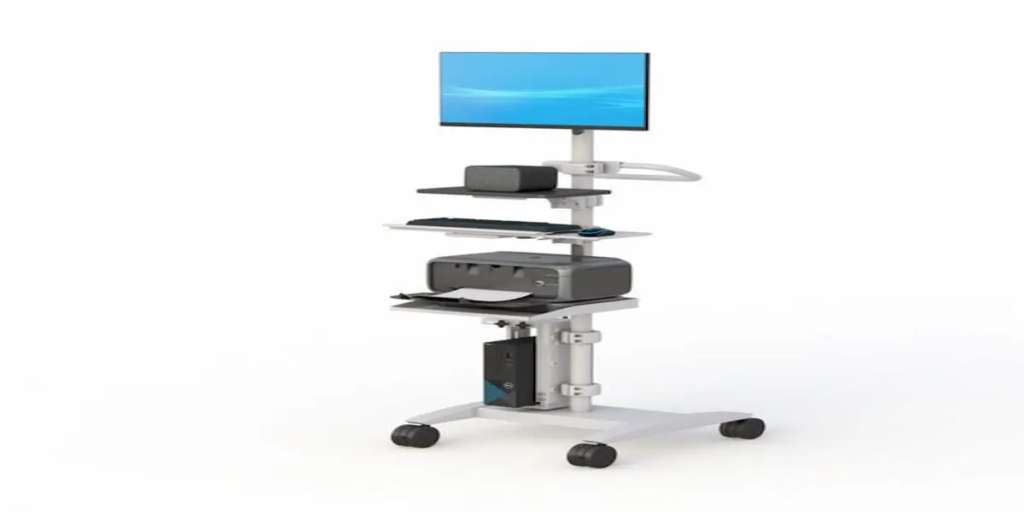
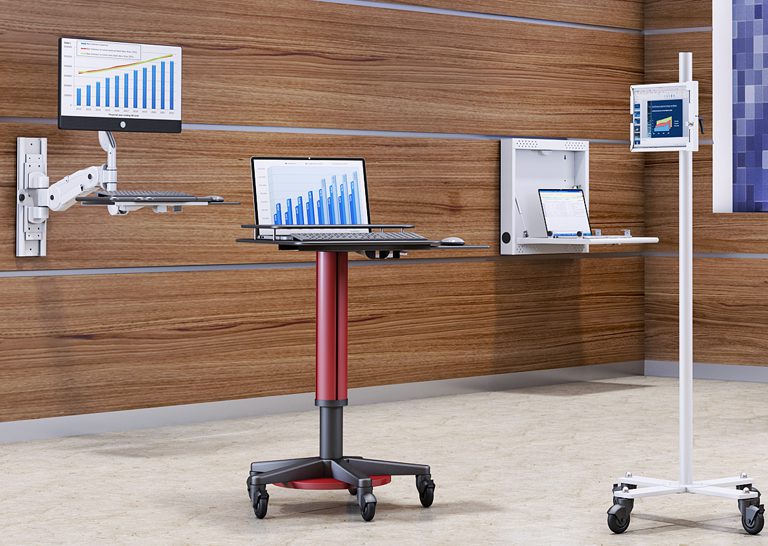
  Why Medical Computer Carts Are Powering the Next Generation of Patient Care in 2026 Healthcare organizations are facing increasing pressure to improve patient outcomes, reduce administrative burdens, and support healthcare professionals who manage growing workloads every day. At the same time, hospitals, clinics, and long-term care facilities are accelerating investments in healthcare technology, Electronic Health Records (EHR), telehealth systems, and point-of-care computing solutions. As healthcare continues its digital transformation, solutions such as medical computer carts, mobile workstations, and healthcare medical computer carts are becoming critical tools for delivering efficient and patient-centered care. These systems allow healthcare professionals to access digital records, chart patient information, communicate with care teams, and manage workflows directly at the point of care. Organizations looking to improve healthcare mobility are increasingly turning to solutions like Ergoville’s computer carts, mobile workstations, and customizable solutions available through the desk configurator to support modern clinical environments. The future of healthcare is mobile, connected, and patient-focused—and medical computer carts are helping healthcare facilities achieve those goals. Why Are Healthcare Teams Moving Away From Fixed Workstations? For years, healthcare facilities relied heavily on centralized nurse stations and fixed computer workstations. While these systems provided access to patient information, they often required healthcare professionals to leave patient rooms and walk back and forth throughout their shifts. These interruptions can lead to: Delayed documentation Reduced patient interaction time Workflow bottlenecks Increased staff fatigue Communication inefficiencies A mobile computer cart helps solve these challenges by bringing technology directly to where patient care happens. Instead of returning repeatedly to a workstation, nurses and clinicians can access patient records, chart information, and clinical applications directly at the bedside. This allows healthcare providers to remain focused on patient care while reducing unnecessary movement throughout the facility. Many healthcare organizations are integrating mobile workstations into clinical workflows because mobility supports both operational efficiency and better patient experiences. How Does Point-of-Care Computing Improve Patient Experiences? Modern healthcare increasingly revolves around real-time information. Providers need immediate access to patient records, medication histories, laboratory results, imaging reports, and care plans throughout the treatment process. Point-of-care computing allows clinicians to access this information exactly where care is delivered. When healthcare professionals use a healthcare medical computer cart, they can: Verify patient information instantly Document care in real time Review treatment plans with patients Improve communication accuracy Reduce delays in chart updates Patients often appreciate seeing providers spend more time focused on their care instead of repeatedly leaving the room to access information. Point-of-care computing also supports better collaboration between departments, helping care teams coordinate treatment plans more effectively. Healthcare organizations looking to optimize digital workflows frequently combine medical carts with ergonomic solutions such as monitor arms and specialized accessories to create more efficient workstation environments. What Features Matter Most in a Healthcare Medical Computer Cart? Not all medical carts are designed the same way. Healthcare environments require solutions that balance mobility, durability, ergonomics, and workflow efficiency. When evaluating a medical computer cart, healthcare buyers should focus on features that improve daily usability rather than simply comparing specifications. Important features often include: Mobility and Maneuverability Smooth-rolling casters allow staff to move efficiently between patient rooms, treatment areas, and nursing stations. Adjustable Ergonomics Height-adjustable work surfaces help support different users and improve comfort during long shifts. Integrated Storage Convenient storage compartments allow clinicians to organize supplies, devices, and accessories while maintaining workflow efficiency. Equipment Compatibility The cart should support monitors, computers, barcode scanners, printers, and other healthcare technology systems. Cable Management Organized cable routing helps maintain a cleaner and safer work environment. Healthcare facilities often enhance workstation flexibility further through solutions like CPU holders and ergonomic monitor arms. Why Does Ergonomics Matter for Healthcare Staff? Healthcare professionals routinely work 10- to 12-hour shifts that involve standing, walking, charting, and interacting with technology throughout the day. Poor workstation design can contribute to: Neck strain Back discomfort Shoulder fatigue Repetitive stress injuries Reduced productivity Modern medical computer carts are increasingly designed with ergonomics in mind because healthcare organizations understand that staff wellbeing directly impacts patient care quality. Features such as adjustable monitor positioning, accessible work surfaces, and flexible mobility allow clinicians to maintain more comfortable working postures throughout their shifts. Healthcare facilities looking to improve workplace ergonomics often complement mobile carts with solutions such as office standing desks and ergonomic monitor arms. Investing in ergonomic equipment not only supports employee wellbeing but can also improve workflow efficiency and job satisfaction. How Are Hospitals Using Computer Carts to Improve Patient Care? Hospitals and healthcare facilities are finding new ways to leverage mobile technology throughout their operations. Today, computer carts support a variety of healthcare workflows, including: Bedside Documentation Nurses can chart information immediately after patient interactions, improving accuracy and reducing documentation delays. Medication Administration Clinicians can verify medication information directly at the point of care. Telehealth Support Mobile carts can support virtual consultations and remote communication with specialists. Care Team Collaboration Providers can access records, imaging, and treatment plans while coordinating care with colleagues. Patient Education Clinicians can review test results, treatment plans, and educational materials directly with patients. Organizations implementing mobile computing strategies frequently pair their carts with wall mounts and additional accessories to support specialized healthcare workflows. What Mistakes Should Healthcare Buyers Avoid? Selecting the wrong medical cart can create long-term operational challenges. Common mistakes include: Choosing Based Only on Price The least expensive solution may not provide the durability or functionality required in healthcare environments. Ignoring User Needs Different departments have different workflow requirements. Emergency departments, outpatient clinics, and long-term care facilities often require different configurations. Overlooking Ergonomics Poor ergonomics can reduce staff satisfaction and increase workplace discomfort. Forgetting Future Growth Healthcare technology continues evolving. Facilities should invest in solutions that can adapt to future needs. Organizations planning long-term healthcare mobility strategies often use Ergoville’s desk configurator to create customized workstation environments designed around specific operational goals. How Do You Choose the Right Medical Computer Cart? Choosing the right solution starts with understanding how the cart will be used. Healthcare decision-makers should

Why Medical Computer Carts Are Powering the Next Generation of Patient Care in 2026 Read More »

Convenient and Reliable Computing for Medical Professionals

Convenient and Reliable Computing for Medical Professionals: Why the Right Medical Computer Cart Matters

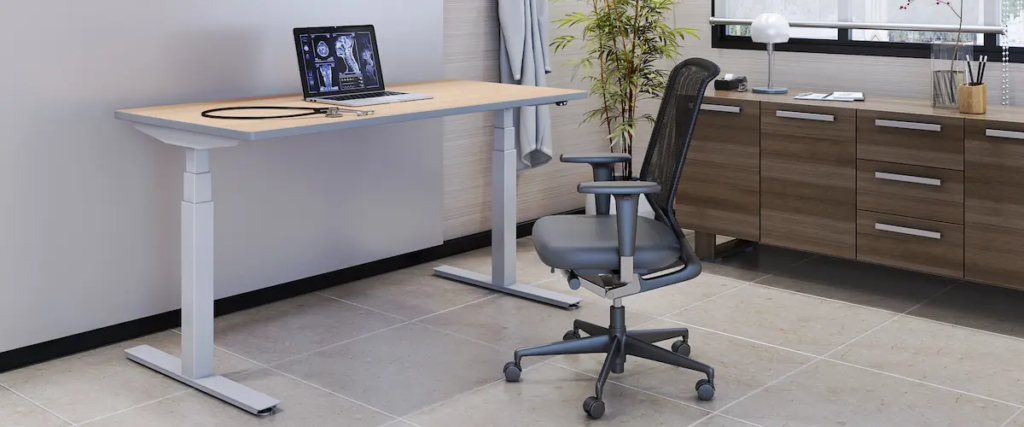
Convenient and Reliable Computing for Medical Professionals: Why the Right Medical Computer Cart Matters   In fast-paced healthcare environments, every second matters. Medical professionals rely on quick access to patient data, efficient workflows, and dependable equipment to deliver quality care. That’s where a medical computer cart becomes essential—bridging the gap between mobility and reliable computing in clinical settings. Whether in hospitals, clinics, or telemedicine environments, having convenient and reliable computing for medical professionals is critical for productivity, patient safety, and operational efficiency. What Is a Medical Computer Cart and Why Does It Matter? A medical computer cart is a mobile workstation designed to securely hold computing equipment while enabling healthcare professionals to move freely between patient rooms and departments. Unlike static setups, solutions like medical computer carts are engineered for: Mobility across clinical environments Secure device mounting Ergonomic adjustability Seamless workflow integration This allows clinicians to access EHR systems, update patient data in real time, and reduce inefficiencies. Key Benefits of Medical Computer Carts in Healthcare 1. Improved Clinical Workflow Efficiency Medical computer carts streamline operations by bringing computing directly to the point of care. Healthcare professionals using mobile workstations can: Document patient information instantly Reduce administrative delays Improve accuracy of medical records This leads to faster decisions and better patient outcomes. 2. Enhanced Mobility and Flexibility Healthcare environments require adaptability. With computer carts, staff can move between departments without losing access to critical systems. This is especially useful for: Emergency care Multi-room patient rounds Telemedicine workflows Mobility ensures continuous productivity. 3. Ergonomic Design for Long Shifts Long shifts demand equipment that supports physical well-being. Pairing carts with ergonomic tools like height-adjustable standing desks and monitor arms helps reduce strain and fatigue. Benefits include: Better posture support Reduced physical stress Increased comfort during extended use 4. Reliable and Secure Equipment Integration A quality medical cart supports and protects essential hardware. With add-ons like CPU holders and workspace accessories, healthcare teams can ensure organized and secure setups. These features help: Prevent device damage Improve cable management Maintain consistent performance 5. Supports Modern Healthcare Technology Today’s healthcare systems depend on digital integration. Medical carts allow seamless use of: Electronic Health Records (EHR) Telemedicine platforms Diagnostic tools With customizable solutions like the desk configurator, facilities can tailor setups based on workflow needs. Use Cases in Real Healthcare Environments Bedside Patient Care Clinicians can document patient data in real time, improving accuracy and efficiency. Telemedicine and Remote Consultations Mobile carts support virtual care delivery directly at the point of care. Emergency Response Quick mobility ensures critical tools are always within reach. Administrative Efficiency Staff can complete documentation without leaving their workflow zone. How to Choose the Right Medical Computer Cart When selecting a solution, consider: Mobility and Stability Look for smooth movement with locking mechanisms. Ergonomic Adjustability Ensure usability across different staff members. Device Compatibility Support for existing systems is essential. Durability and Cleanability Choose materials suited for healthcare environments. Customization Options Flexible setups using tools like desk configurator improve efficiency. Why Reliable Computing Is Critical in Healthcare Reliable computing directly impacts: Patient safety Accuracy of records Speed of care delivery Operational efficiency Using dependable solutions like medical computer carts allows professionals to focus on patient care without interruptions. Conclusion The need for convenient and reliable computing for medical professionals continues to grow. A well-designed medical computer cart enhances mobility, improves workflow, and supports better patient outcomes. Investing in reliable solutions like computer carts and mobile workstations is a strategic step toward modern, efficient healthcare environments. FAQs   What is a medical computer cart used for? A medical computer cart provides mobile computing access, allowing healthcare professionals to manage patient data efficiently. Why are medical carts important in hospitals? They improve workflow efficiency and enable real-time access to patient information. Are medical computer carts ergonomic? Yes, they are designed with adjustable features to support comfort during long shifts. Can medical carts support telemedicine? Yes, they enable remote consultations and mobile healthcare delivery. How do I choose the best medical computer cart? Focus on mobility, ergonomics, compatibility, durability, and customization options.

Convenient and Reliable Computing for Medical Professionals: Why the Right Medical Computer Cart Matters Read More »

workstation accessories

Workstation Accessories: How to Build a More Efficient and Ergonomic Workspace

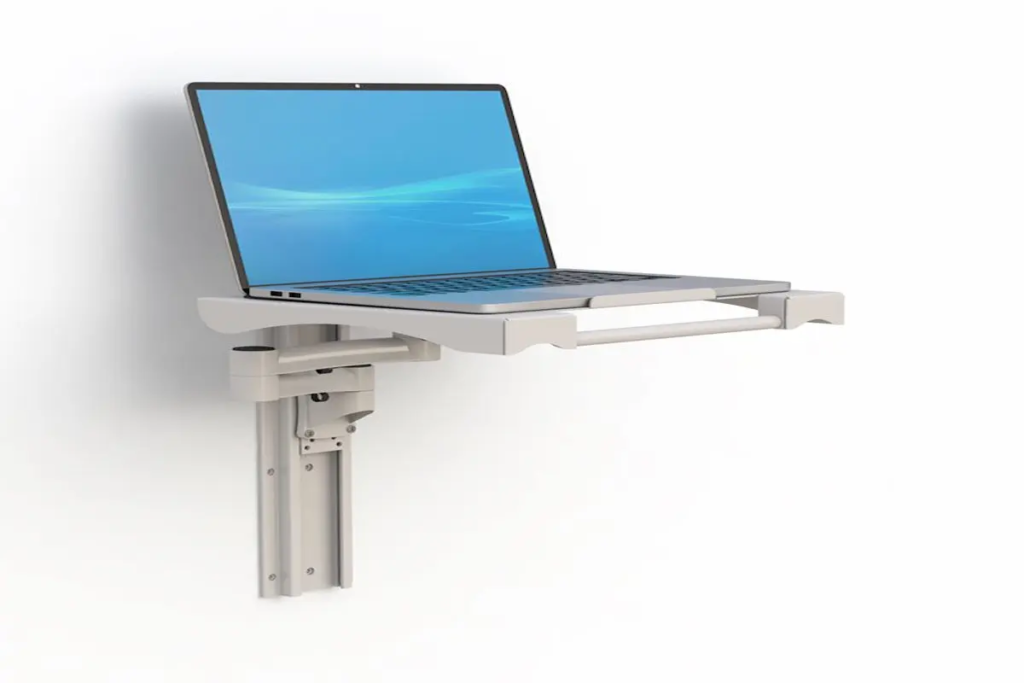
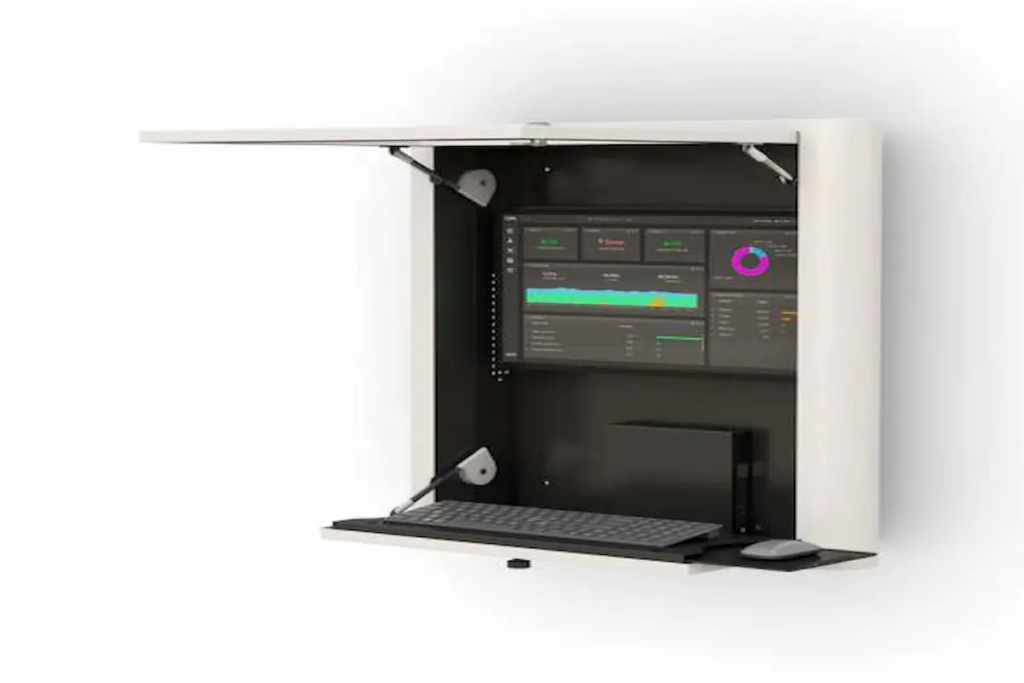
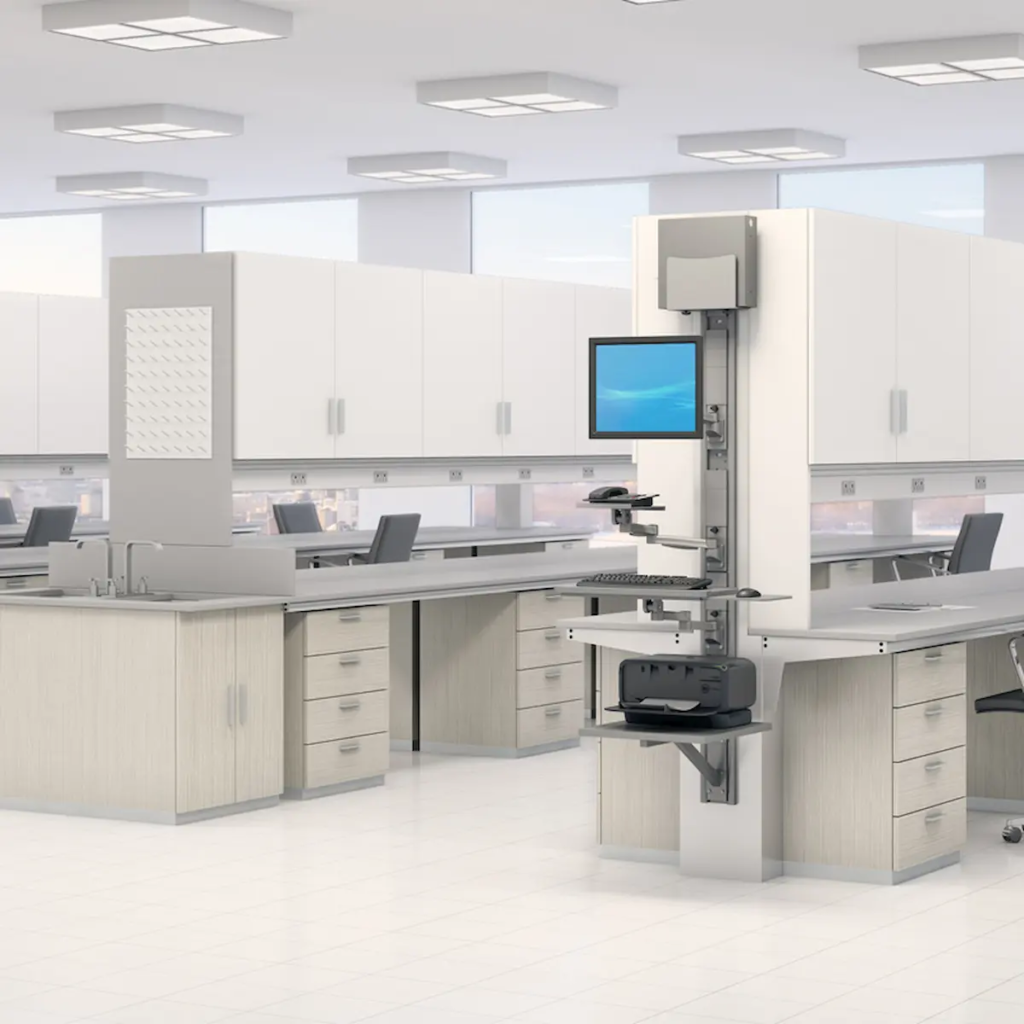
Workstation Accessories: How to Build a More Efficient and Ergonomic Workspace   How Do Workstation Accessories Improve Productivity and Comfort? Workstation accessories improve productivity and comfort by optimizing ergonomics, organization, and accessibility. Many workspaces look functional at first glance, but over time, small inefficiencies start to add up. Poor monitor positioning, tangled cables, and lack of proper support can lead to discomfort and slower workflows. The right accessories solve these problems by creating a more organized and ergonomic environment, helping users stay focused and efficient throughout the day. What Workstation Accessories Do You Actually Need? Which Accessories Make the Biggest Impact on Daily Work? The most impactful workstation accessories are those that improve ergonomics, reduce clutter, and enhance accessibility. Not every accessory is necessary, and adding too many can create more complexity than value. Instead, focusing on high-impact solutions ensures that your workspace remains efficient and easy to manage. Choosing the right combination of accessories can transform a basic workstation into a highly functional and comfortable setup. 1. Monitor Arms and Mounts Monitor arms help position screens at the correct height and angle, reducing neck and eye strain. They are essential for maintaining proper posture and improving visibility, especially in multi-screen setups. Solutions like ergonomic mounts provide flexibility and precision for better screen positioning. 2. Cable Management Accessories Cable management solutions keep wires organized and prevent clutter. A clean workspace not only looks better but also improves efficiency by making it easier to access and maintain equipment. Organized cables reduce distractions and create a safer working environment. 3. CPU Holders and Mounting Solutions CPU holders free up desk space and improve airflow around your equipment. By mounting CPUs off the floor or desk, users can create more room for work while also protecting equipment from dust and damage. 4. Keyboard Trays and Ergonomic Add-ons Keyboard trays and ergonomic accessories support proper wrist positioning and reduce strain. These solutions are especially important for users who spend long hours typing, as they help prevent discomfort and repetitive stress injuries. 5. Storage and Utility Accessories Storage accessories help keep essential tools and supplies organized and within reach. An organized workspace reduces time spent searching for items and improves overall productivity. 6. Integrated Workstation Add-ons Integrated add-ons combine multiple accessories into one cohesive system. Pairing solutions like computer carts and medical carts allows users to create a fully functional and mobile workstation. How Do You Choose the Right Workstation Accessories? What Factors Should You Consider Before Buying Accessories? Choosing the right workstation accessories requires evaluating compatibility, ergonomics, workspace layout, and workflow needs. Start by assessing your current setup and identifying pain points. Consider the size of your desk, the number of devices you use, and how you interact with your workspace daily. Selecting accessories that align with these factors ensures that your setup remains efficient and easy to use. How Do Accessories Work Together as a System? Workstation accessories are most effective when they function as a connected system rather than individual add-ons. For example, combining monitor mounts with cable management solutions creates a cleaner and more organized workspace. Thinking in terms of bundles or “frequently used together” setups helps ensure compatibility and maximizes the benefits of each component. Exploring custom products can further enhance integration and performance. How Do Workstation Accessories Improve Efficiency and ROI? Workstation accessories improve efficiency by reducing physical strain, improving organization, and streamlining workflows. When users are comfortable and have easy access to tools, they can complete tasks more quickly and accurately. This leads to improved productivity and fewer interruptions. Over time, these benefits translate into a stronger return on investment. Where Are Workstation Accessories Most Valuable? What Real-World Use Cases Show Their Importance? Workstation accessories are valuable across offices, healthcare environments, IT operations, and industrial workspaces. In offices, they improve organization and comfort. In healthcare, they support efficient workflows and hygiene standards. In IT environments, they help manage equipment and cables. Their versatility makes them essential in any workspace where productivity and efficiency are priorities. How Do Accessories Support Scalable Workspaces? Workstation accessories support scalability by allowing setups to adapt to changing needs. As teams grow or workflows evolve, accessories can be added or reconfigured without replacing the entire workstation. This flexibility makes it easier to scale operations and maintain efficiency over time. Conclusion: Building a Smarter Workspace with the Right Accessories Workstation accessories are more than just add-ons—they are essential tools for improving comfort, organization, and productivity. The right combination of accessories creates a workspace that supports both efficiency and long-term performance. If you’re ready to upgrade your setup, explore workstation accessories or connect through the contact page to find the right solution for your needs.

Workstation Accessories: How to Build a More Efficient and Ergonomic Workspace Read More »